Posts by raspi berry
Ultimate List of Unusual but Really Useful Linux Shell Commands

This is a compilation of lesser known Linux shell commands – but really useful ones. Useful as in: saving time, giving you additional tools to do things you couldn’t before, but also entertaining. Enjoy reading, and let us know in the comments if there are additional tools we should add! Installation instructions will be for…
Read MoreHow to Read Your Monitor’s EDID on a Raspberry Pi

In this post, we tell you exactly what you need to do in order to make sense of your monitor’s extended display identification data (EDID) on your Raspberry Pi. Note: previously, a function to read the EDID used to be available with the standalone version of PiDoctor. This version has been discontinued, and the functionality…
Read MoreHow to use RealVNC on a Raspberry Pi (remote desktop)
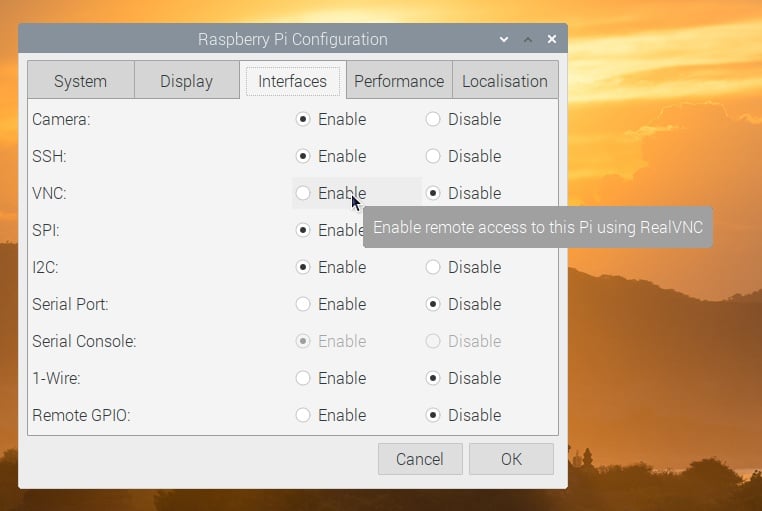
This guide shows you how to connect to your Raspberry Pi using RealVNC. Use RealVNC to easily access your Raspberry Pi’s desktop from your main computer, to transfer files and share the clipboard. This is really convenient if, for example, you don’t want to get an additional monitor for the Raspberry Pi. Terminology: VNC, RealVNC,…
Read MoreTour through PiCockpit 2020

This post provides a tour of PiCockpit in 2020. Want to find out what PiCockpit is all about? Check out the video below, with the latest PiCockpit features in 2020: Here’s a transcript of the guided tour: Welcome to PiCockpit. PiCockpit is a web interface to monitor and control your Raspberry Pis. You can use…
Read MoreHow to Set Up a Minecraft Server on a Raspberry Pi
Minecraft is one of the most popular games ever created. You can play it with your friends in multiplayer game mode. Did you know that a Raspberry Pi 4 is powerful enough to run a Minecraft server? In this article, you’ll learn the basics of which different variations exist, a little bit of the history…
Read More23 Fun Raspberry Pi 400 Facts!
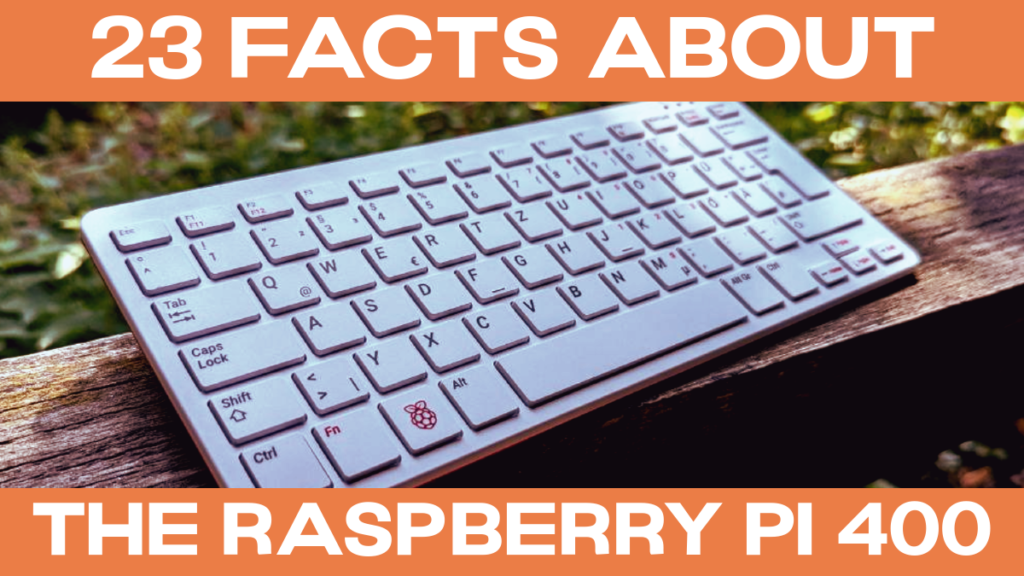
The Raspberry Pi 400 is a completely new form factor for Raspberry Pi Ltd. We’ve compiled a list of 23 facts about the Raspberry Pi – including some unusual ones! Enjoy, and let us know in the comments whether you know additional weird facts about the Raspberry Pi 400. #1 The Raspberry Pi 300 exists,…
Read MoreWorkaround for PiCockpit on Ubuntu
Note: this is a work in progress, another problem has cropped up which needs to be looked at! Currently PiCockpit will not work on Ubuntu, unfortunately. A user tried to install PiCockpit on Ubuntu for Raspberry Pi, and contacted me with the following problem: Setting up picockpit-client (2.0.1) …cp: cannot stat ‘/usr/bin/python3.7‘: No such file…
Read MoreThe Raspberry Pi default password
The Raspberry Pi default password is: raspberry Read on to find out more about the default username, and default passwords in operating systems for the Raspberry Pi! Raspberry Pi OS default password We have written about Raspberry Pi OS before. It was previously known as Raspbian and is the default operating system which most users…
Read MoreRaspberry Pi OS Overview

Operating Systems for every Raspi use case A Raspberry Pi OS for everyone: the Pi supports many different operating systems. In this article, you will get an overview of popular OSes for the Raspi, and which OS you should choose for your project / use case. For beginners and most use cases Raspberry Pi OS…
Read MoreWhat is a Raspberry Pi and what can I do with it?
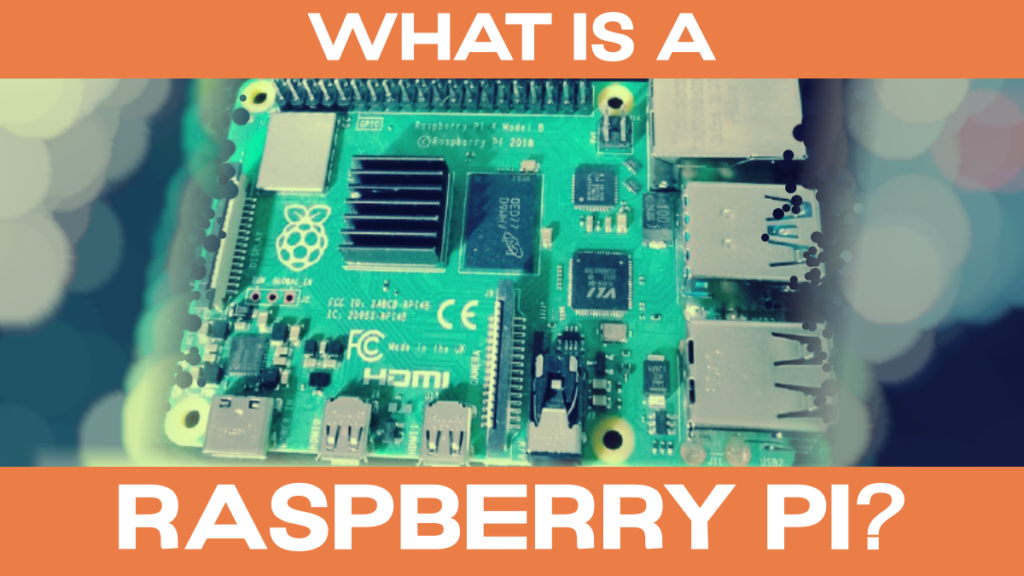
The Raspberry Pi is a small, credit-card sized computer. It has many functions and interfaces which you know and recognize from “bigger computers” like Dell desktop computers or Lenovo notebooks. You can run many software applications on it, like a web browser (Chromium which is similar to Google Chrome), spreadsheets (LibreOffice Calc, which is, again,…
Read More