Search results for: sd card
Free upgrade: Raspberry Pi 4 now with 1.8GHz instead of 1.5GHz
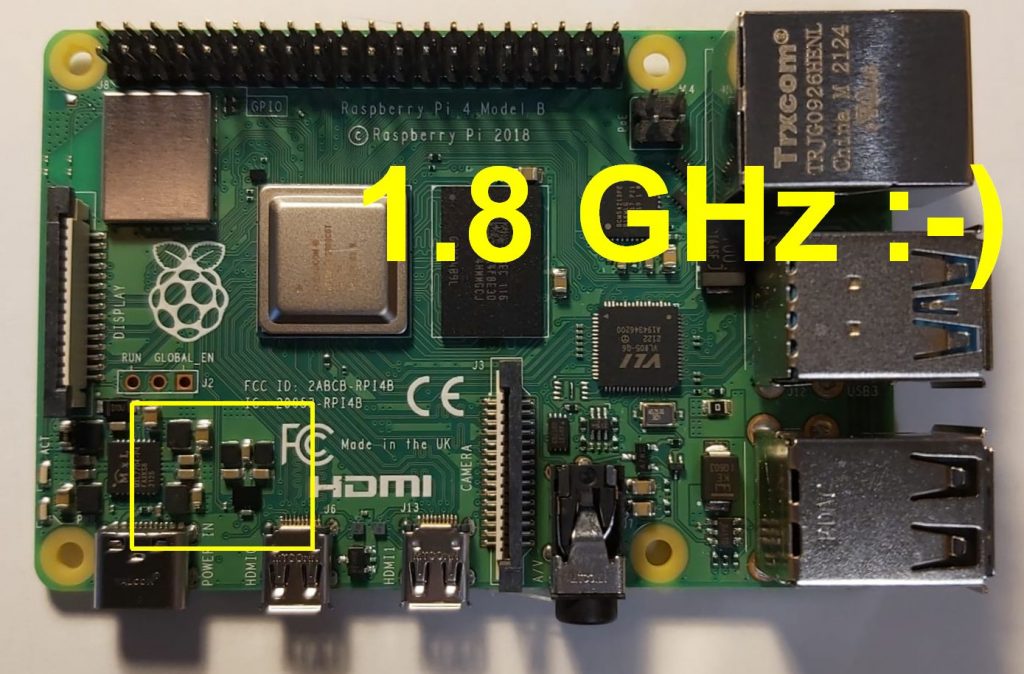
Raspberry Pi has also increased the clock speed for many Raspberry Pi 4 to 1.8GHz with the introduction of Raspberry Pi OS Bullseye! That’s 20% more performance for the same price 🙂 The upgrade brings the Pi 4 up to the clock speed of the Pi 400, which was previously the fastest Raspberry Pi model.…
Read MoreEverything about Raspberry Pi Zero 2 W
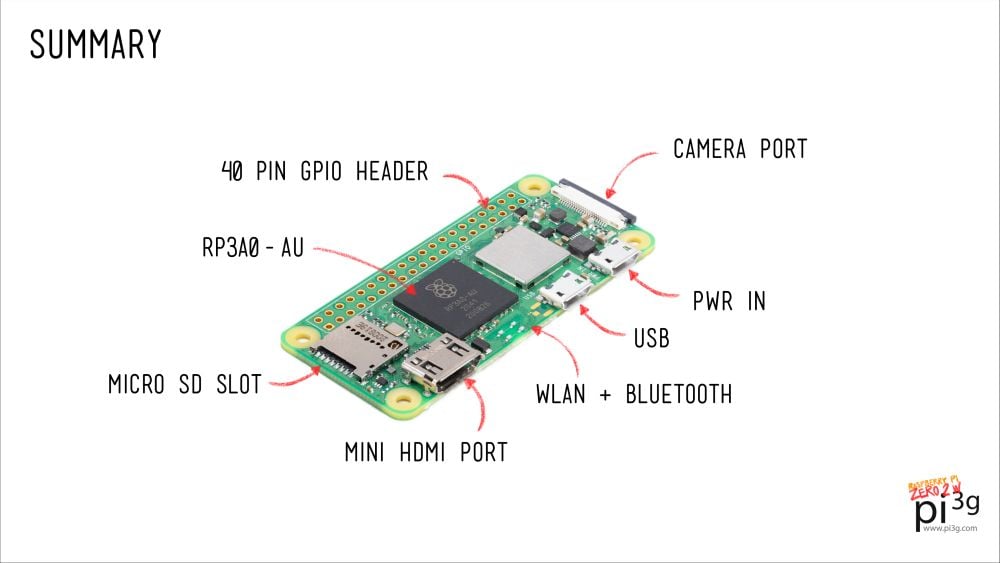
Raspberry Pi Zero 2 W in a nutshell Almost 4 million Pi Zeros have been sold up to date – it’s time for a refresh of the series! The new Raspberry Pi Zero 2 W is a significant upgrade to the previous Pi Zero generation. The most important change is the powerful CPU upgrade. The…
Read MoreRaspberry Pi Pico Video Output
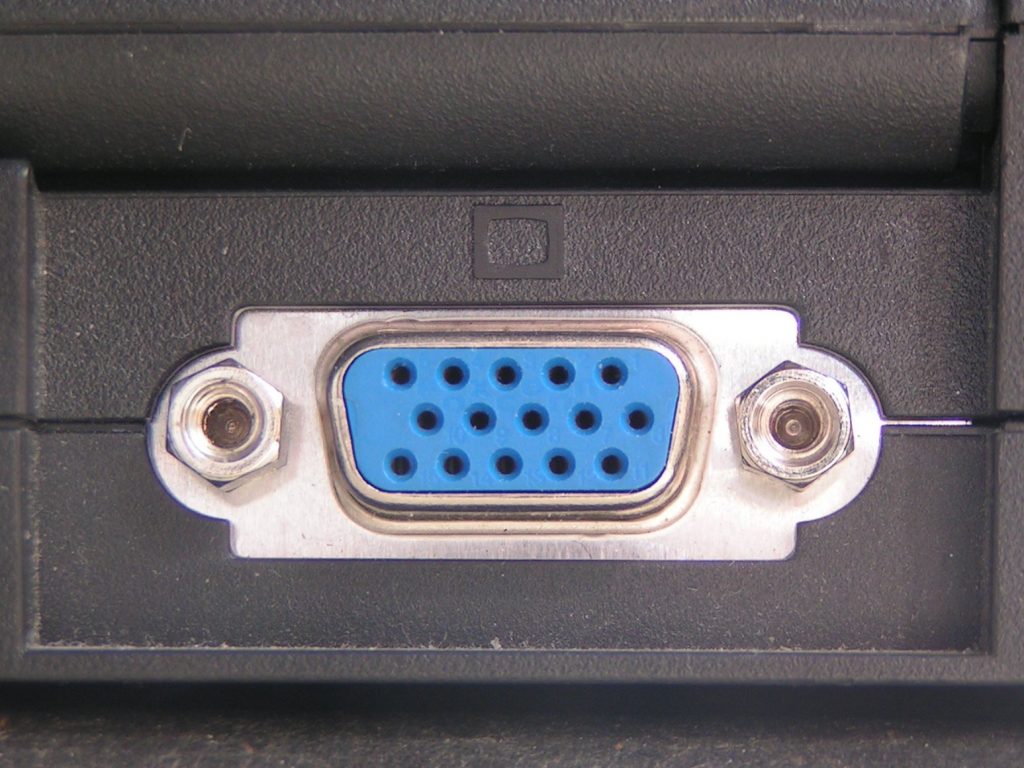
TL;DR The Raspberry Pi Pico is an incredible little microcontroller. While it does not have a video output interface built-in, like it’s bigger Raspberry Pi Zero / 1 / 2 / 3 / 4 / 400 siblings (HDMI / double HDMI in their case), it is possible to add a video output to the Pico!…
Read MorePiDoctor
To monitor your Raspberry Pi system’s health, you can use PiCockpit’s app PiDoctor. PiDoctor will also allow you to learn many details about your Raspberry Pi, including where it was manufactured, how much RAM it has, and so on. Use PiDoctor to Diagnose your Raspberry Pi Running all Raspberry Pi Health Tests PiDoctor, as the…
Read More23 Fun Raspberry Pi 400 Facts!
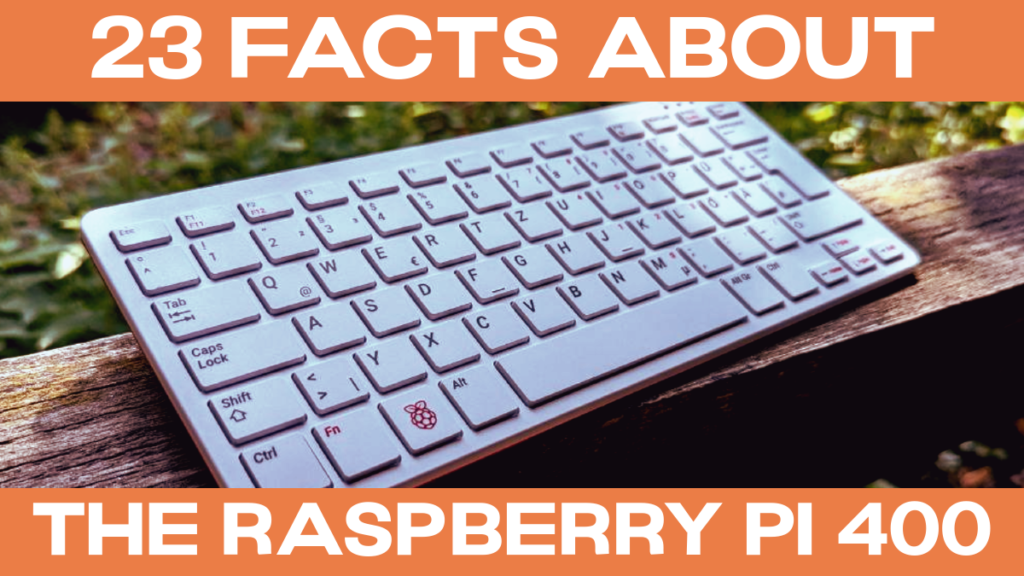
The Raspberry Pi 400 is a completely new form factor for Raspberry Pi Ltd. We’ve compiled a list of 23 facts about the Raspberry Pi – including some unusual ones! Enjoy, and let us know in the comments whether you know additional weird facts about the Raspberry Pi 400. #1 The Raspberry Pi 300 exists,…
Read MoreRaspberry Pi OS Overview
Operating Systems for every Raspi use case A Raspberry Pi OS for everyone: the Pi supports many different operating systems. In this article, you will get an overview of popular OSes for the Raspi, and which OS you should choose for your project / use case. For beginners and most use cases Raspberry Pi OS…
Read MoreWhat is a Raspberry Pi and what can I do with it?
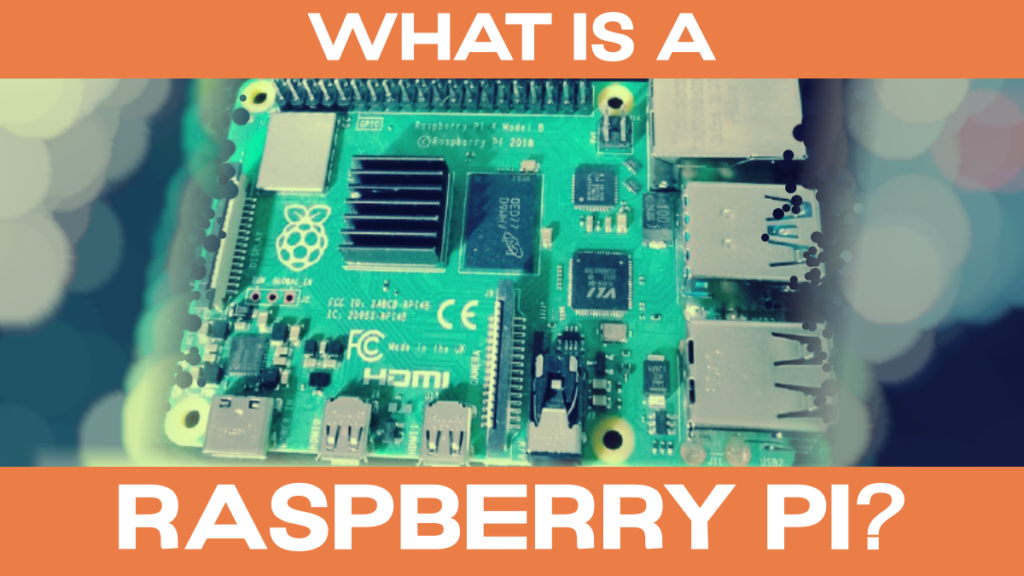
The Raspberry Pi is a small, credit-card sized computer. It has many functions and interfaces which you know and recognize from “bigger computers” like Dell desktop computers or Lenovo notebooks. You can run many software applications on it, like a web browser (Chromium which is similar to Google Chrome), spreadsheets (LibreOffice Calc, which is, again,…
Read More